

Build a Batch Image Resizer with Python
Level: Beginner

Build a Batch Image Resizer
Your task for today is to create a script that automatically resizes down all images in a folder, perfect for optimizing images for web use or reducing file sizes.
Project Task
Create a batch image resizer that:
Uses the Pillow (PIL) library to work with images
Scans the /images folder for all image files
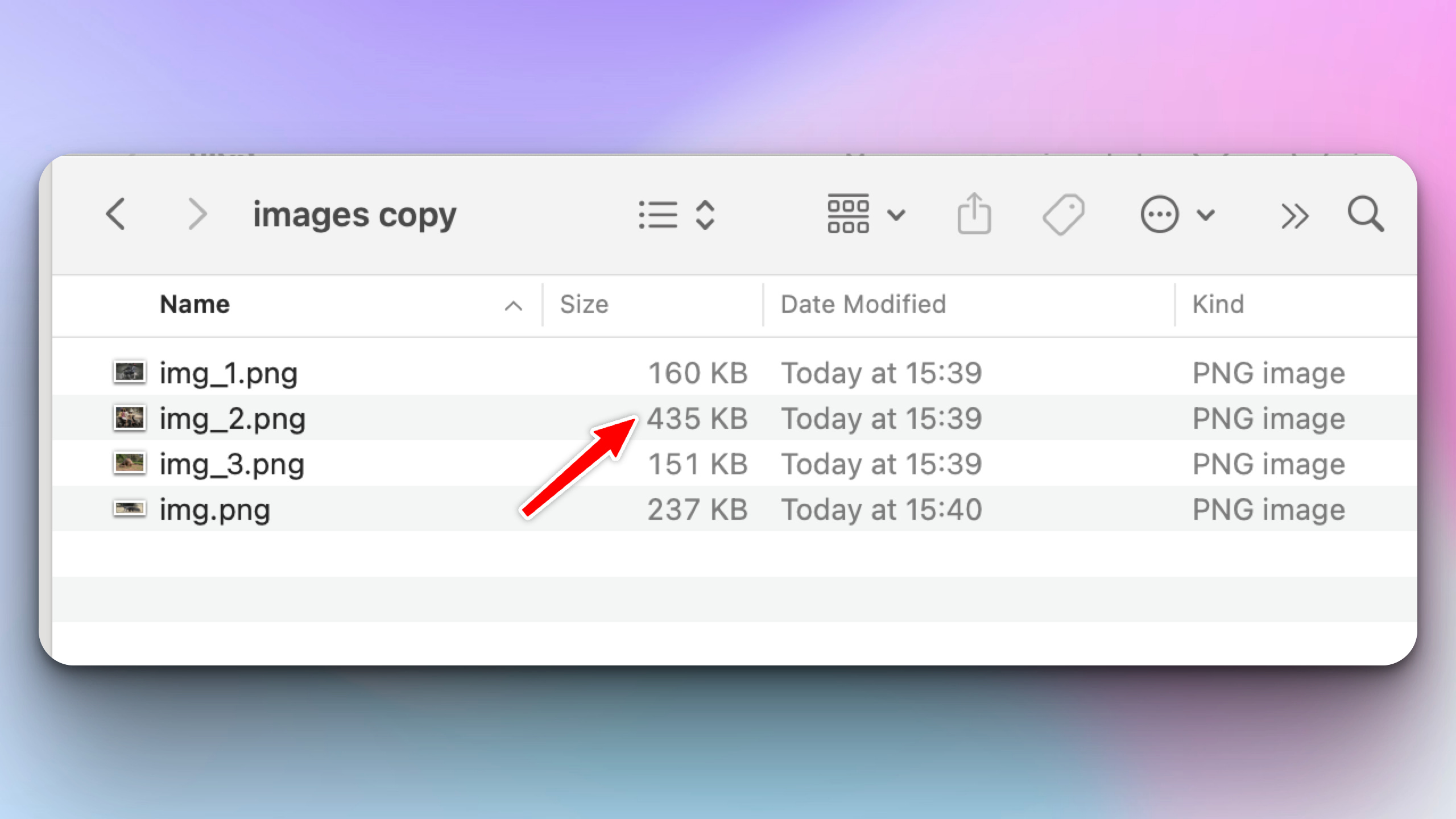
Resizes each image to less than 50% of its original dimensions
Saves the resized images to a /resized_images folder
Processes multiple image formats (PNG, JPG, JPEG)
Displays progress messages for each image processed
Creates the output folder automatically if it doesn’t exist
This project gives you hands-on practice with file operations, directory handling, batch processing, and image manipulation — essential skills for automating repetitive tasks.
Expected Output
The script should load a directory of images such as this one:
(You can download these images here)
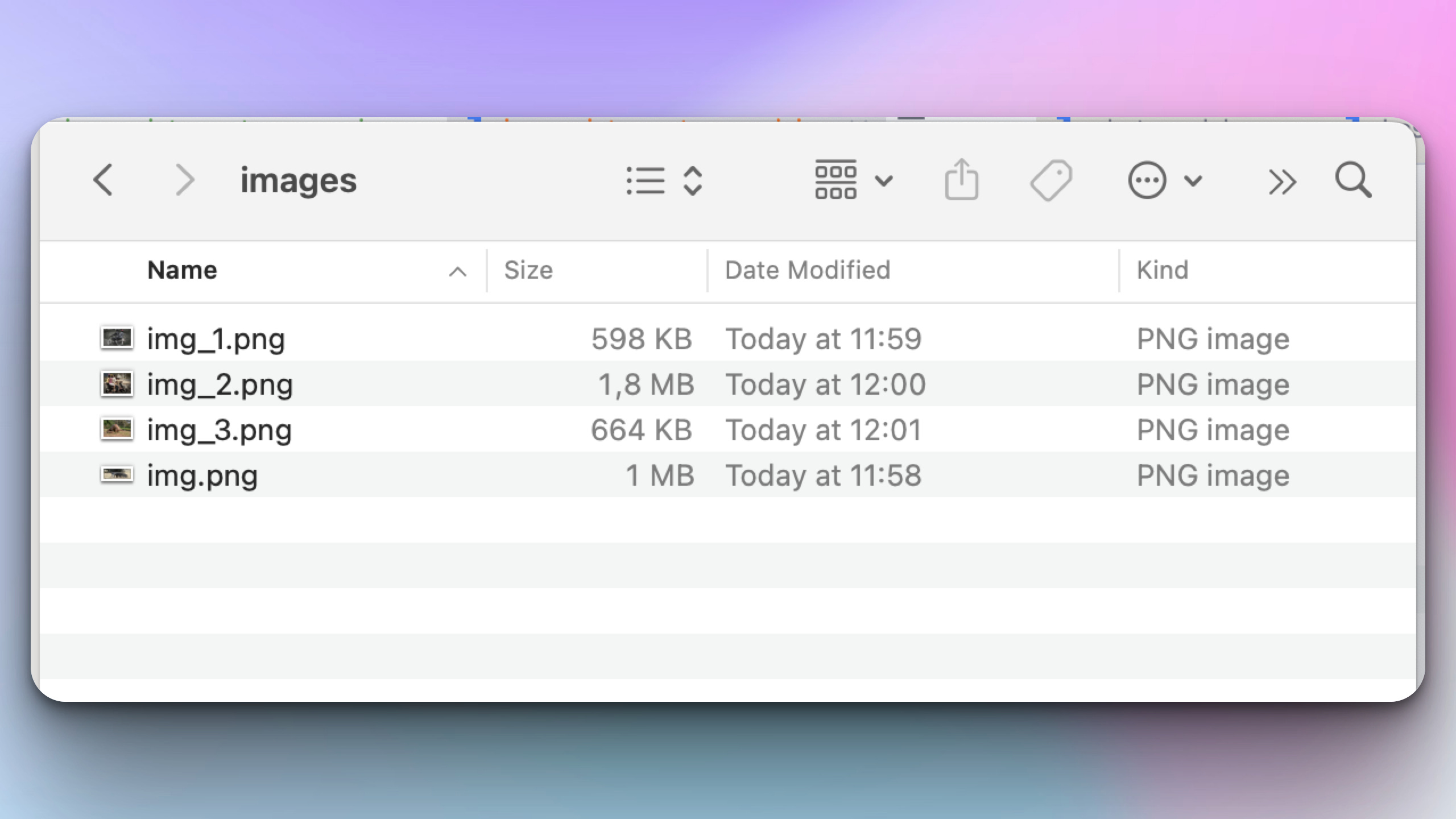
After the script runs the image’s size should be smaller:
Join the Python & AI Builders Skool Community
Got questions to ask the author about this project? Join our Python & AI Builders community for weekly Python & AI videos and discussions:
https://skool.com/automateit
Skeleton and Solution
Below you will find both a downloadable skeleton.py file to help you code the project with comment guides and the downloadable solution.py file containing the correct solution.
Get the code skeleton here:
Get the code solution here: