


Projects in this week’s series:
This week, we progressively build a PDF toolkit with Python.
Why build this? Because PDF software is expensive and bloated. With Python, you can build your own PDF tools that do exactly what you need — merge files, split pages, extract content — all for free and under your control.
What you’ll learn: This series teaches you file manipulation, working with binary formats, and building practical utilities that solve real problems. PDF skills are valuable in any office environment.
Why users love this: No more paying for Adobe Acrobat or struggling with limited free tools. Your own PDF toolkit that works offline, handles sensitive documents privately, and does exactly what you need, so let’s do it.
Day 1: PDF Merger (Today)
Day 2: PDF Splitter + Page Extractor
Day 3: Web App PDF Toolkit
Today’s Project
We’re starting simple: we’re creating a command-line tool that takes multiple PDF files and combines them into a single document. Simple, practical, and incredibly useful.
You’ll learn how to work with PDF files programmatically, handle binary data, and create tools that save people time every day!
Project Task
Create a PDF merger that:
Takes multiple PDF file paths as input
Merges them in the specified order
Outputs a single combined PDF
Preserves all pages and content
Shows progress as it merges
Uses the PyPDF2 library
Handles errors gracefully
This project gives you hands-on practice with file I/O, working with PDF libraries, handling binary formats, and building practical command-line tools — essential skills for automation and productivity!
Expected Output
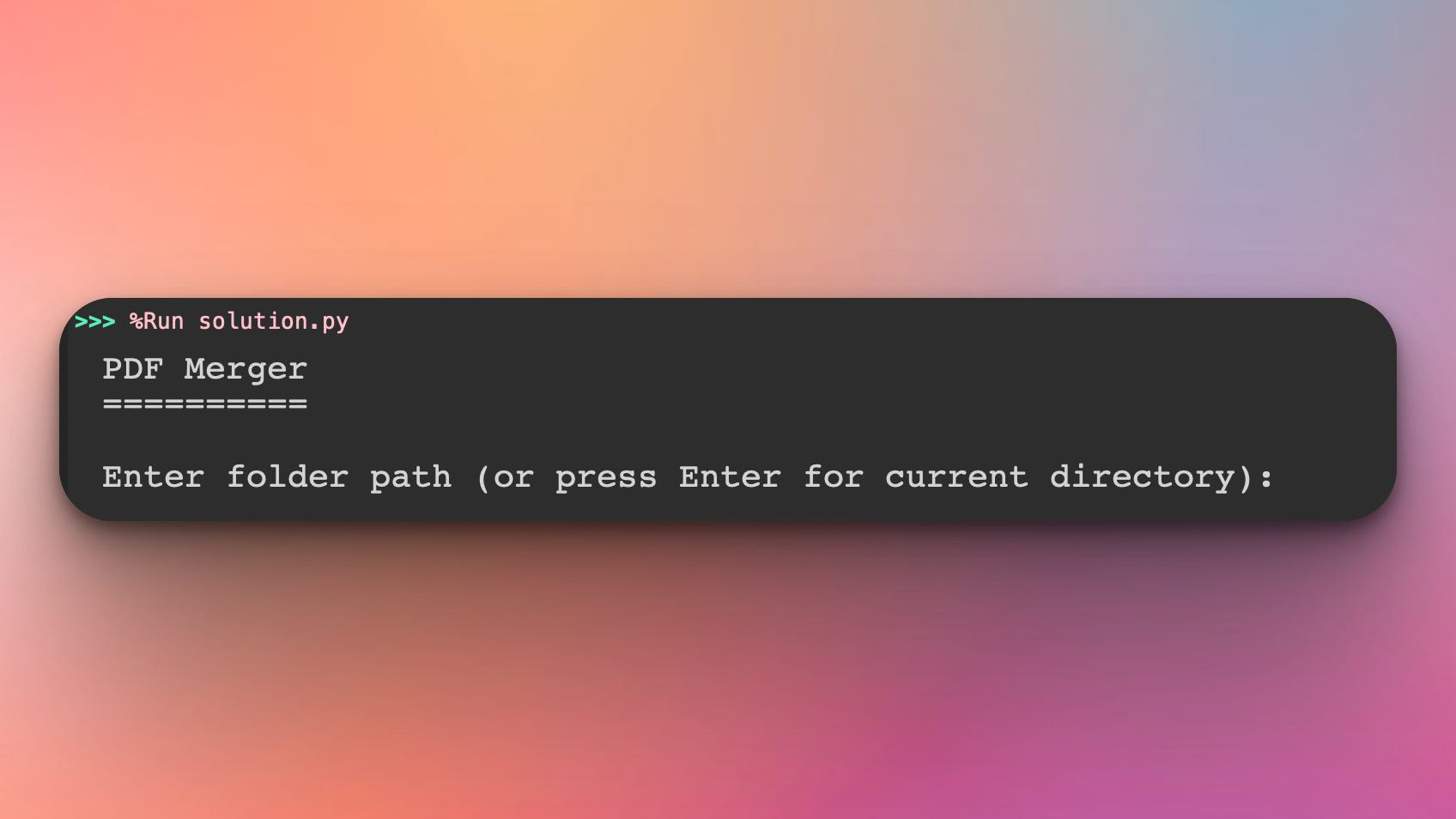
The script asks the user to specify the directory where the PDF files are, or press Enter if the files are in the same directory as the script:
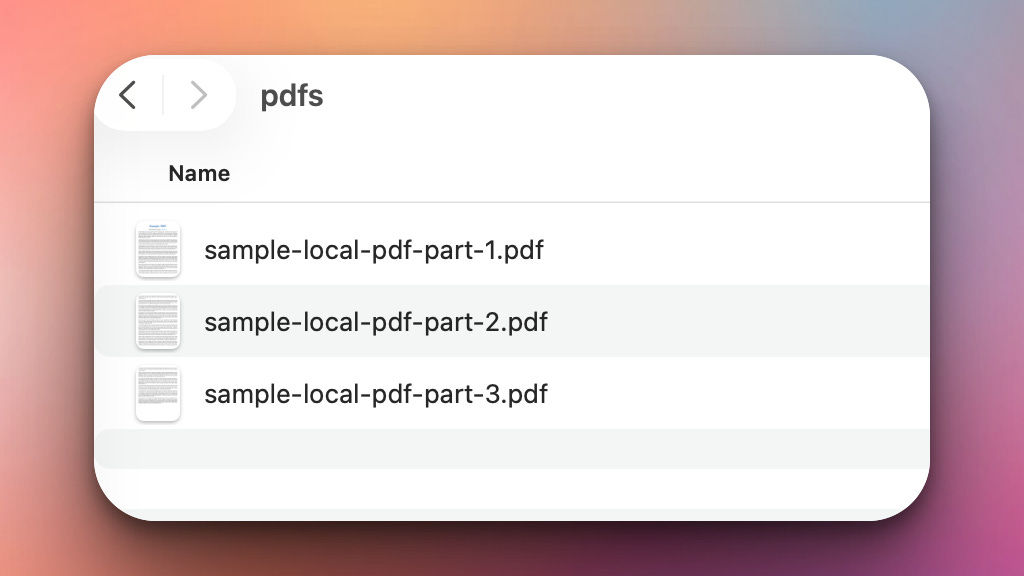
Once executed, the script will load all the PDF files from the folder, for example a folder that looks like this:
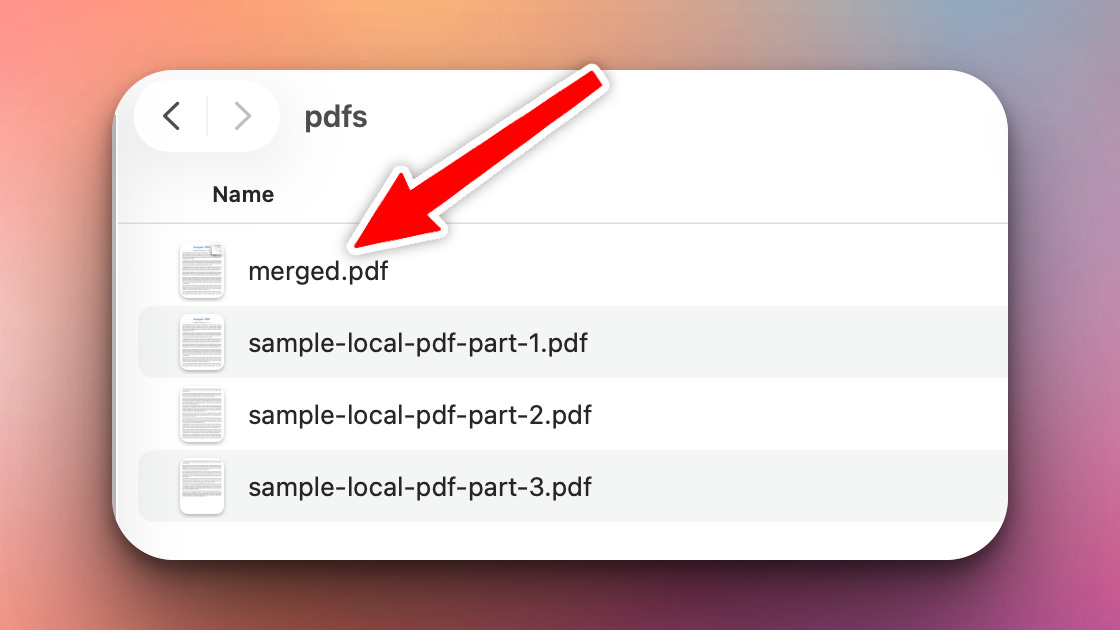
Then, it will generate a final merged PDF file in that same directory:
Feel free to use these sample PDF files for the project:

Coming Tomorrow
Tomorrow we’ll add splitting and page extraction — break PDFs apart, grab specific pages, rotate them, and compress files. Your single-purpose merger becomes a multi-tool!
Skeleton and Solution
Below you will find both a downloadable skeleton.py file to help you code the project with comment guides and the downloadable solution.py file containing the correct solution.
Get the code skeleton here:
Get the code solution here: