

Build a PDF Toolkit with Python: Day 3: With FastHTML Web Interface
Level: Beginner

Projects in this week’s series:
This week, we progressively build a PDF toolkit with Python.
Day 1: PDF Merger
Day 2: PDF Splitter + Page Extractor
Day 3: Web App PDF Toolkit (FastHTML) (Today)
Today’s Project
Welcome to the finale! We’ve built a PDF merger and a multi-function toolkit with splitting, extracting, rotating, and compressing. Today we’re wrapping everything in a modern web application using FastHTML — a new and fast way to build HTML apps with pure Python!
FastHTML lets you build web apps with just Python code — no separate HTML/CSS/JS files needed. Everything maps directly to HTML but feels natural in Python.
Getting Started with FastHTML
What is FastHTML? FastHTML is a new Python web framework that lets you build full web applications using only Python. Unlike other frameworks, FastHTML maps directly 1:1 to HTML and HTTP, making it both powerful and intuitive.
FastHTML vs Streamlit?
Lets compare these two frameworks since they are quite similar:
FastHTML offers several advantages:
Full control - You write actual HTML/HTTP, not a black box widget system
Production-ready - Built on Starlette/ASGI, same foundation as FastAPI
True web apps - Real routes, forms, and HTTP - not a data science dashboard
Smaller & faster - Lightweight framework, minimal overhead
No restrictions - Can build any web app (APIs, auth, databases, etc.)
Learn real web dev - Teaches actual HTML/HTTP concepts
When to use Streamlit: Quick data dashboards, internal tools, ML demos
When to use FastHTML: Production web apps, user-facing sites, full-stack applications
Installation of fasthtml:
pip install python-fasthtml
Basic Example:
from fasthtml.common import *

app, rt = fast_app()

@rt('/')
def get():
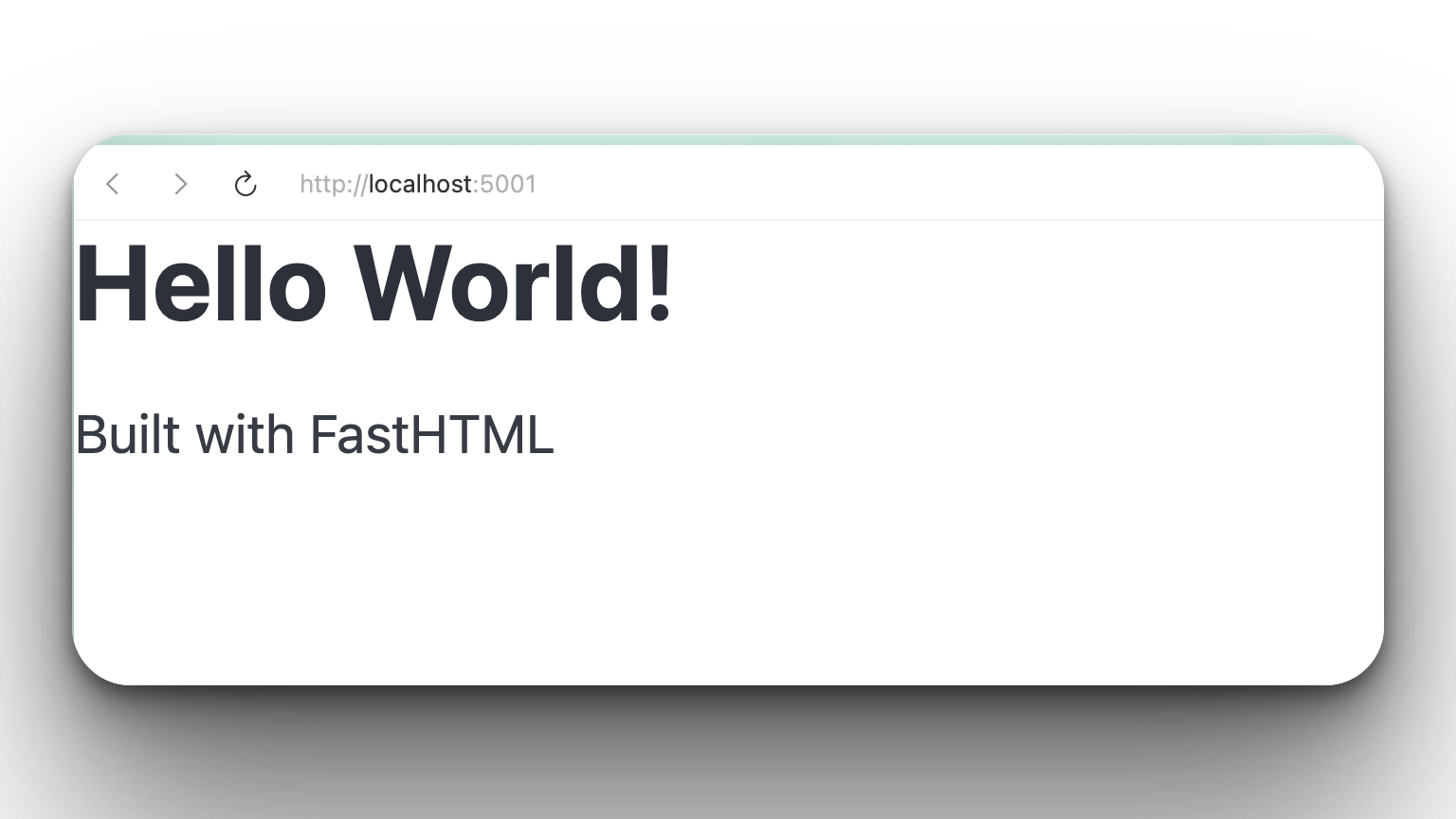
    return Div(H1('Hello World!'), P('Built with FastHTML'))

serve()
That’s it! Run it with python main.py and visit localhost:5001 and you will see this:
Deployment Options
FastHTML apps are standard ASGI applications, giving you many deployment options:
Easy Options (Beginner-friendly):
Railway.app - Click to deploy, free tier available
Render.com - Free tier, simple deployment
PythonAnywhere - Python-focused hosting, easy setup
Production Options:
DigitalOcean App Platform - Managed service, scales automatically
AWS Lambda + API Gateway - Serverless, pay per use
Fly.io - Edge deployment, fast globally
Google Cloud Run - Containerized deployment
Since FastHTML uses ASGI (like FastAPI), any hosting that supports FastAPI will work perfectly with FastHTML. Most platforms offer one-click deployment or simple configuration files.
Project Task
Now back to our project. The task today is to a FastHTML web app that:
Uses FastHTML’s pythonic syntax for HTML
Creates routes for each PDF operation
Handles file uploads directly in Python
Performs all operations from Days 1 & 2
Provides download links for results
Uses HTMX for interactivity (built into FastHTML)
Runs as a single Python file
Feels fast and responsive
Setup
Install FastHTML and PyPDF2:
pip install python-fasthtml PyPDF2Run the app:
python solution.pyVisit:
http://localhost:5001
Expected Output
The page will have several pages. Here is one of the pages for splitting PDFs:
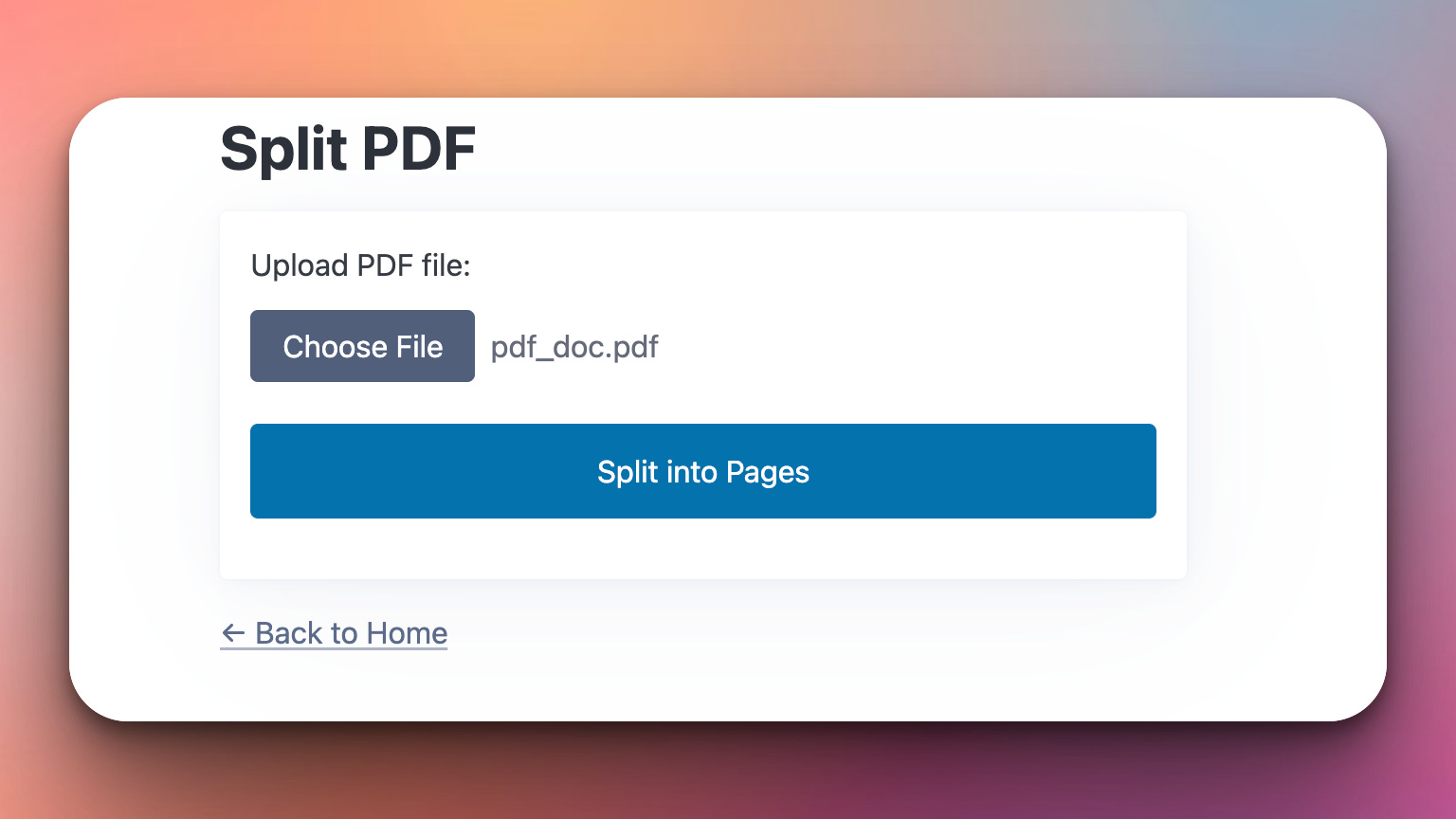
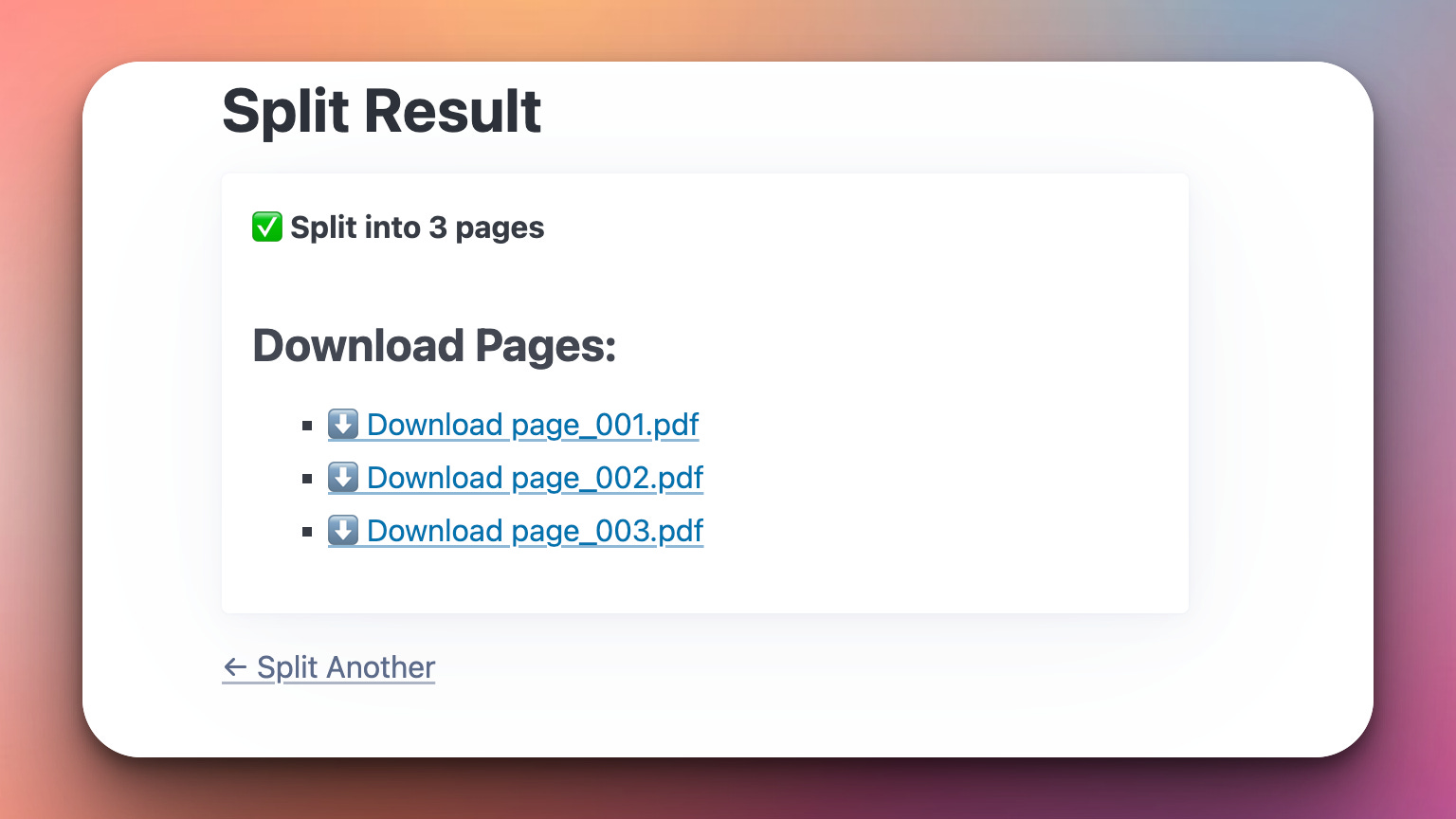
Once the user presses the “Split into Pages” button they instantly get the results:
What You’ve Accomplished This Week
That’s for this week!
🎉 Congratulations!
We built a complete PDF toolkit and learned:
Day 1: File merging and folder scanning
Day 2: PDF manipulation (split, extract, rotate, compress)
Day 3: Modern web apps with FastHTML
View Code Evolution
And finally the code for our FastHTML app:
Compare today’s solution with earlier versions and see how we evolved from a simple script to a modern web app using FastHTML.
Keep reading with a 7-day free trial
Subscribe to Daily Python Projects to keep reading this post and get 7 days of free access to the full post archives.