

Build a PDF Toolkit with Python: Day 2: PDF Splitter + Page Extractor
Level: Beginner

Projects in this week’s series:
This week, we progressively build a PDF toolkit with Python.
Day 1: PDF Merger
Day 2: PDF Splitter + Page Extractor (Today)
Day 3: Web App PDF Toolkit
Today’s Project
Yesterday we built a PDF merger that combines multiple files. Today we’re doing the opposite: splitting PDFs apart and extracting specific pages.
We’re creating a multi-function PDF tool that can split a PDF into individual pages, extract specific page ranges, rotate pages, and even compress files to reduce size. Your PDF toolkit is getting powerful!
Project Task
Create a PDF manipulation tool that:
Splits a PDF into individual page files
Extracts specific page ranges (e.g., pages 5-10)
Rotates pages by 90, 180, or 270 degrees
Compresses PDFs to reduce file size
Uses a menu-driven interface
Handles all operations in one script
You can download the sample PDF below to use for this project:

This project gives you hands-on practice with PDF manipulation, menu systems, page operations, and building multi-function tools — essential skills for creating versatile utilities!
Expected Output
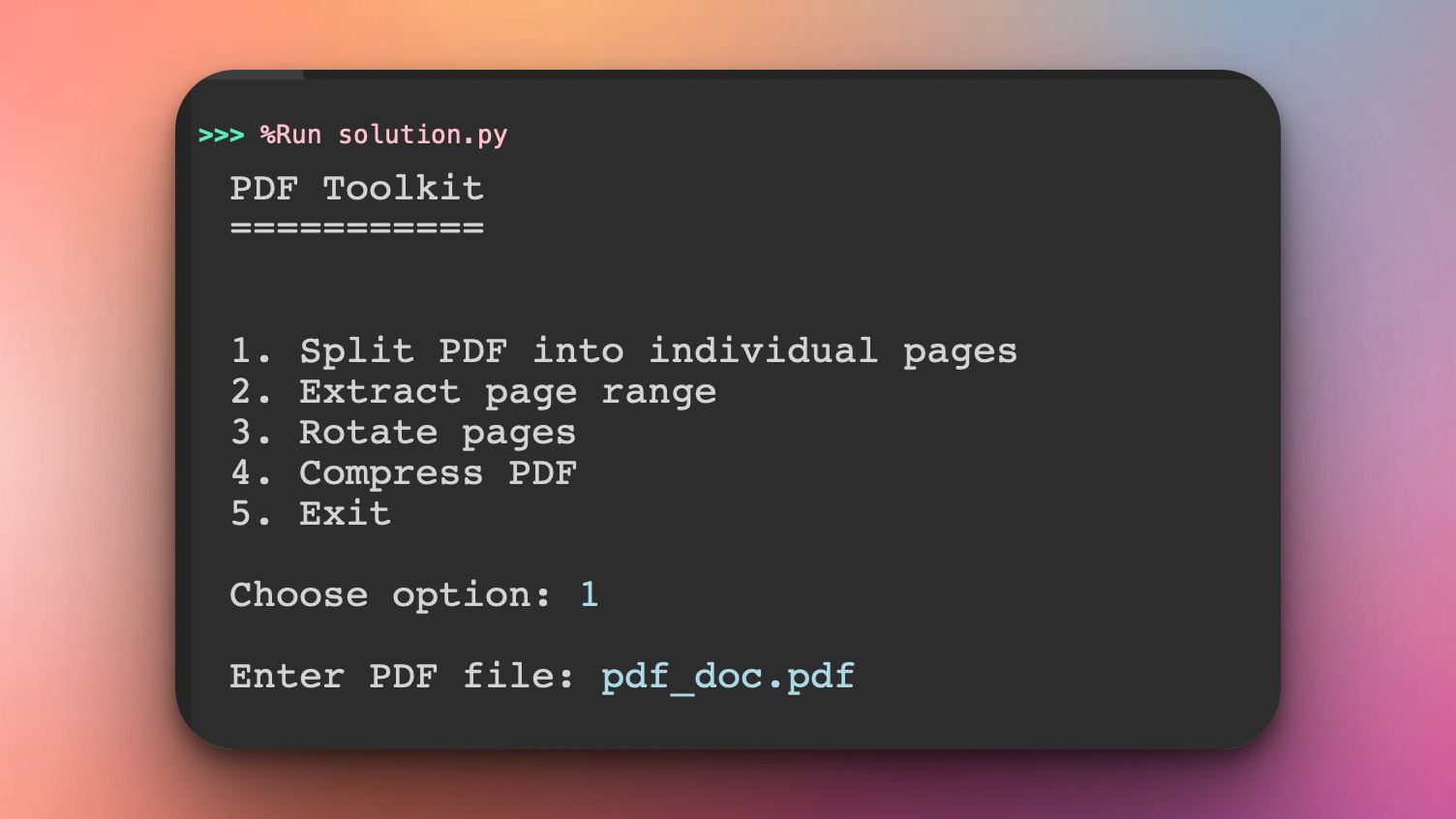
This program will start in the command line asking the user what operation they want to perform. Here the user has chosen option 1 and have provided the name of the PDF file:
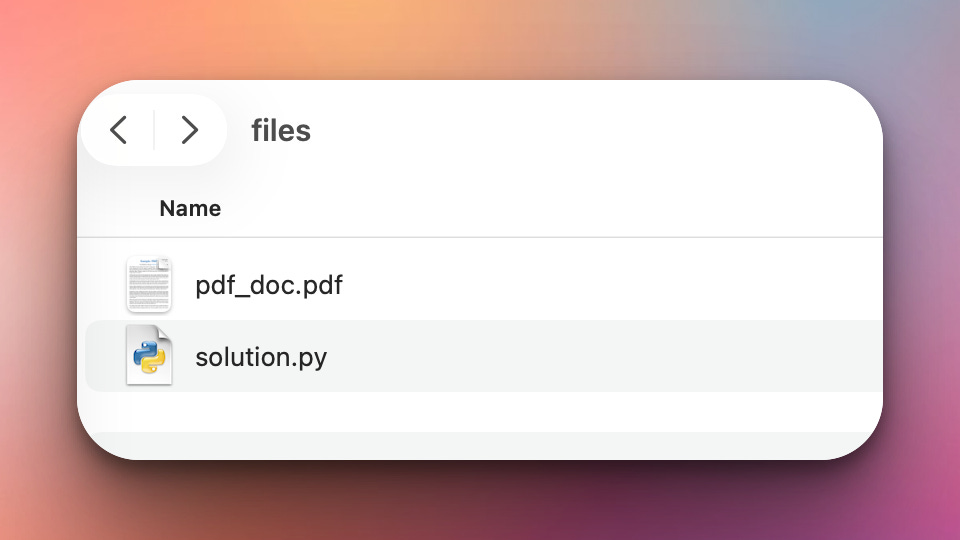
Note that the PDF file is in the same directory with the .py program:
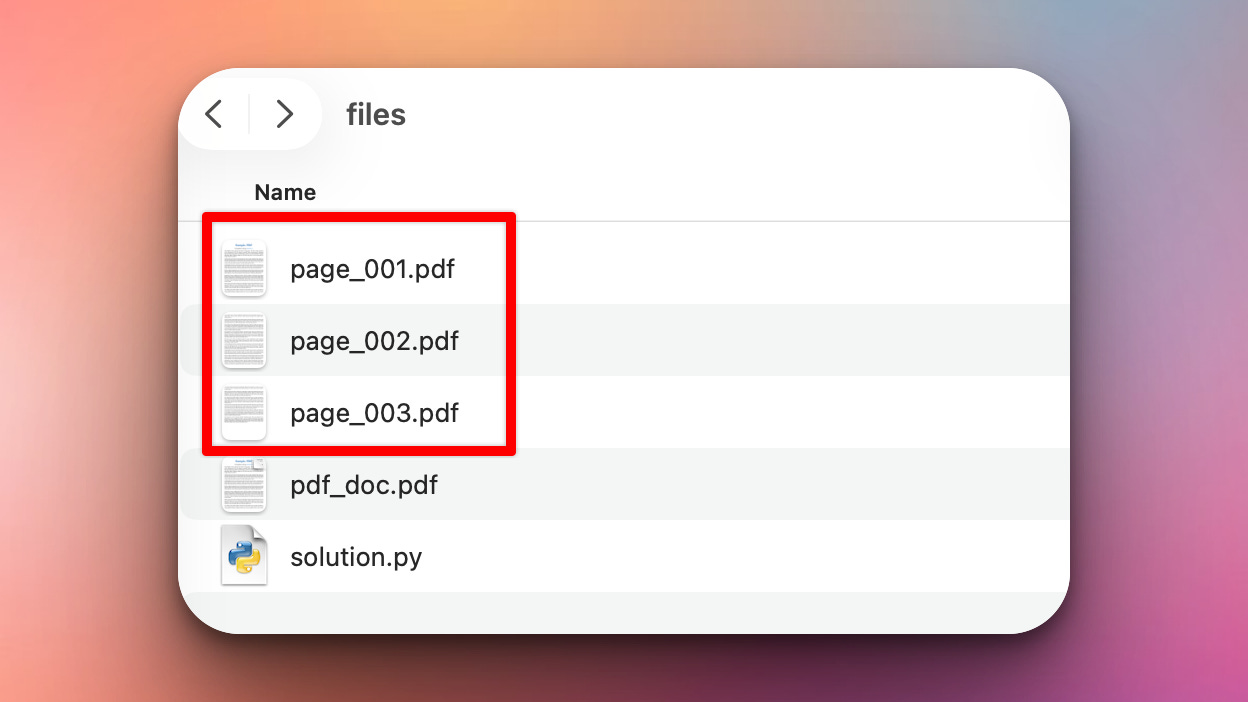
Once the user has chosen option 1 and provided the filename, the program will split the PDF into several smaller PDFs - one PDF for each page and save them in the same directory:
The other functionalities such as rotation, extraction of specific pages, and compression to make the PDF smaller work in a similar fashion.
Coming Tomorrow
Tomorrow we’re wrapping everything in a Streamlit web app! Upload PDFs through your browser, drag and drop files, perform all operations with a beautiful interface, and download results instantly. Your command-line toolkit becomes a professional web application!
View Code Evolution
Compare today’s solution with earlier versions and see how we’re building a complete PDF toolkit.
Keep reading with a 7-day free trial
Subscribe to Daily Python Projects to keep reading this post and get 7 days of free access to the full post archives.