

Build a Web Scraper to Database Pipeline - Day 1: Basic Web Scraper
Level: Beginner

Projects in this week’s series:
This week, we progressively build a web scraper to database pipeline with Python.
Day 1: Basic Web Scraper (Today)
Day 2: Multiple Products + CSV Storage
Day 3: SQLite Database + Change Tracking
Day 4: Automated Scheduler + Email Alerts
Today’s Project
🎉 Welcome to Week 2!
This week we’re building something incredibly practical: a web scraper that tracks product prices. This could be helpful when hunting for deals, monitoring competitor prices, or just want to know when something goes on sale.
We’re starting with the foundation: learning how to extract data from websites. By Thursday, you’ll have a fully automated system that runs on a schedule, stores historical data, and emails you when prices drop!
Today’s Challenge: Build Your First Web Scraper
Today we’re learning the fundamentals of web scraping. We’ll extract product information from a real website and display it in the console.
Why start here? Because before we can store data or automate anything, we need to know how to get the data in the first place. This is your introduction to one of the most valuable skills in Python.
Project Task
Create a web scraper that:
Uses the requests library to fetch web pages
Uses BeautifulSoup to parse HTML content
Extracts product name, price, and availability
Scrapes data from books.toscrape.com (a practice scraping site that looks like below)
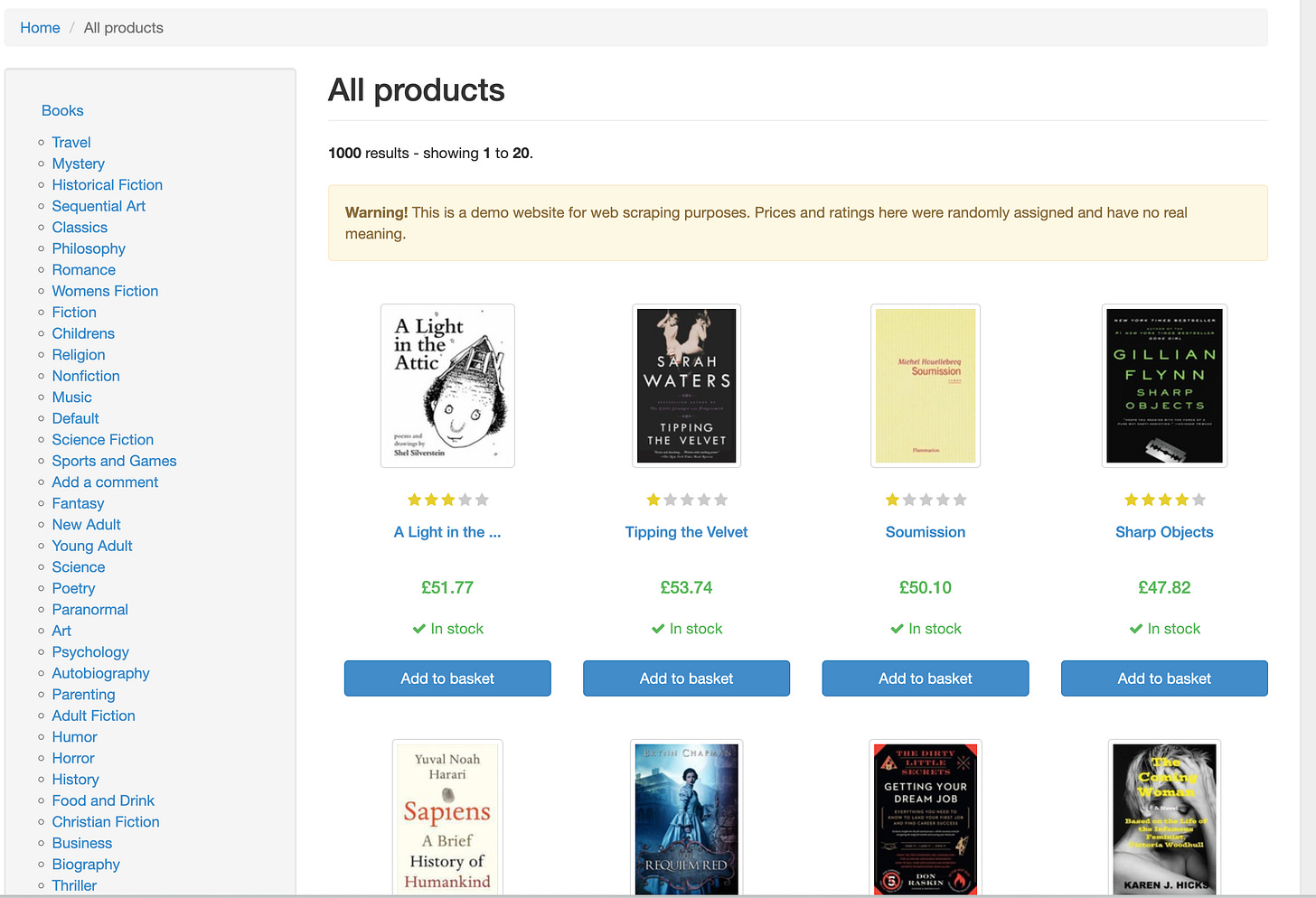
The script then displays the extracted information in a clean format
Handles basic error cases
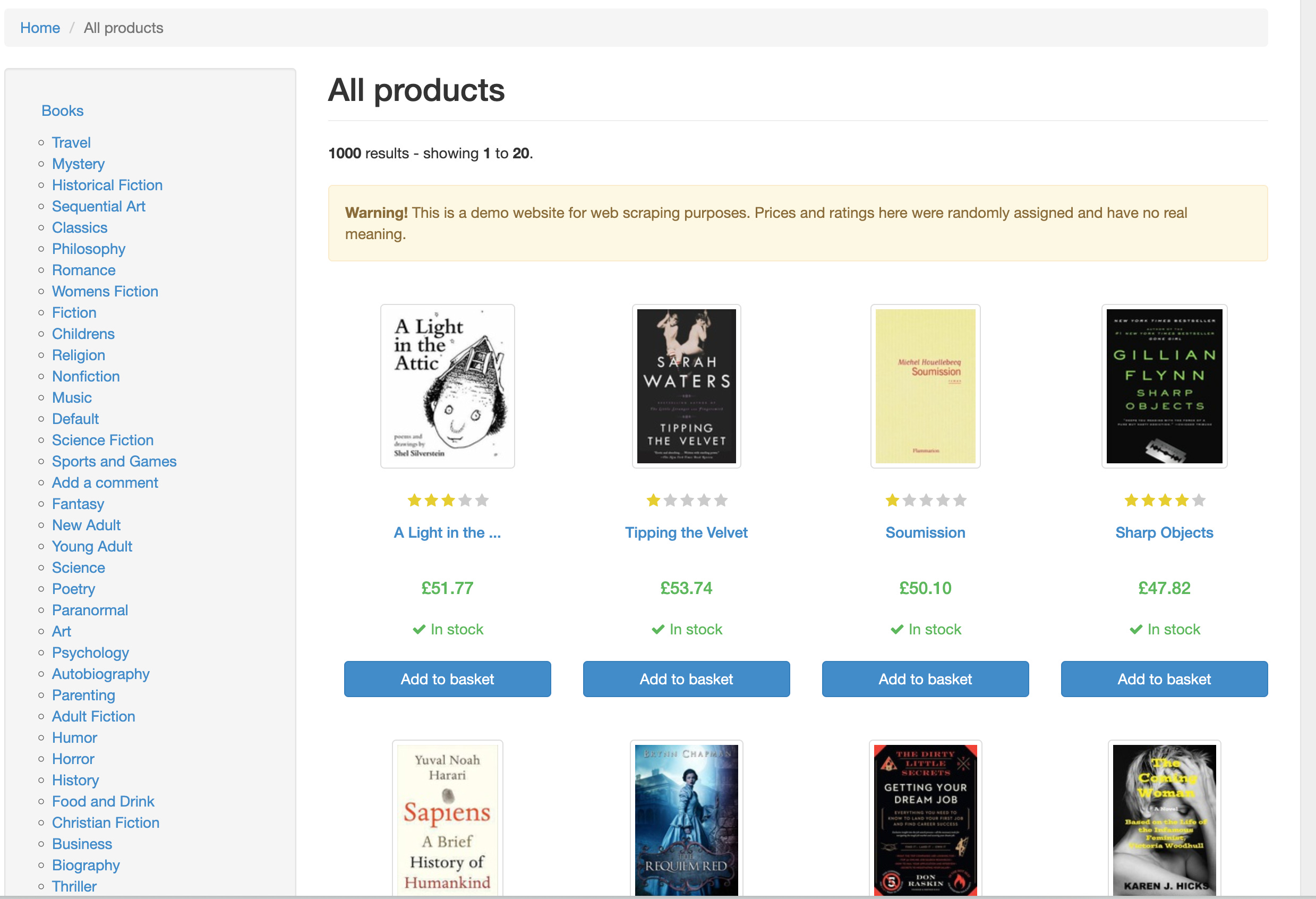
This project gives you hands-on practice with HTTP requests, HTML parsing, data extraction, and working with real websites — essential skills for automation and data collection.
Expected Output
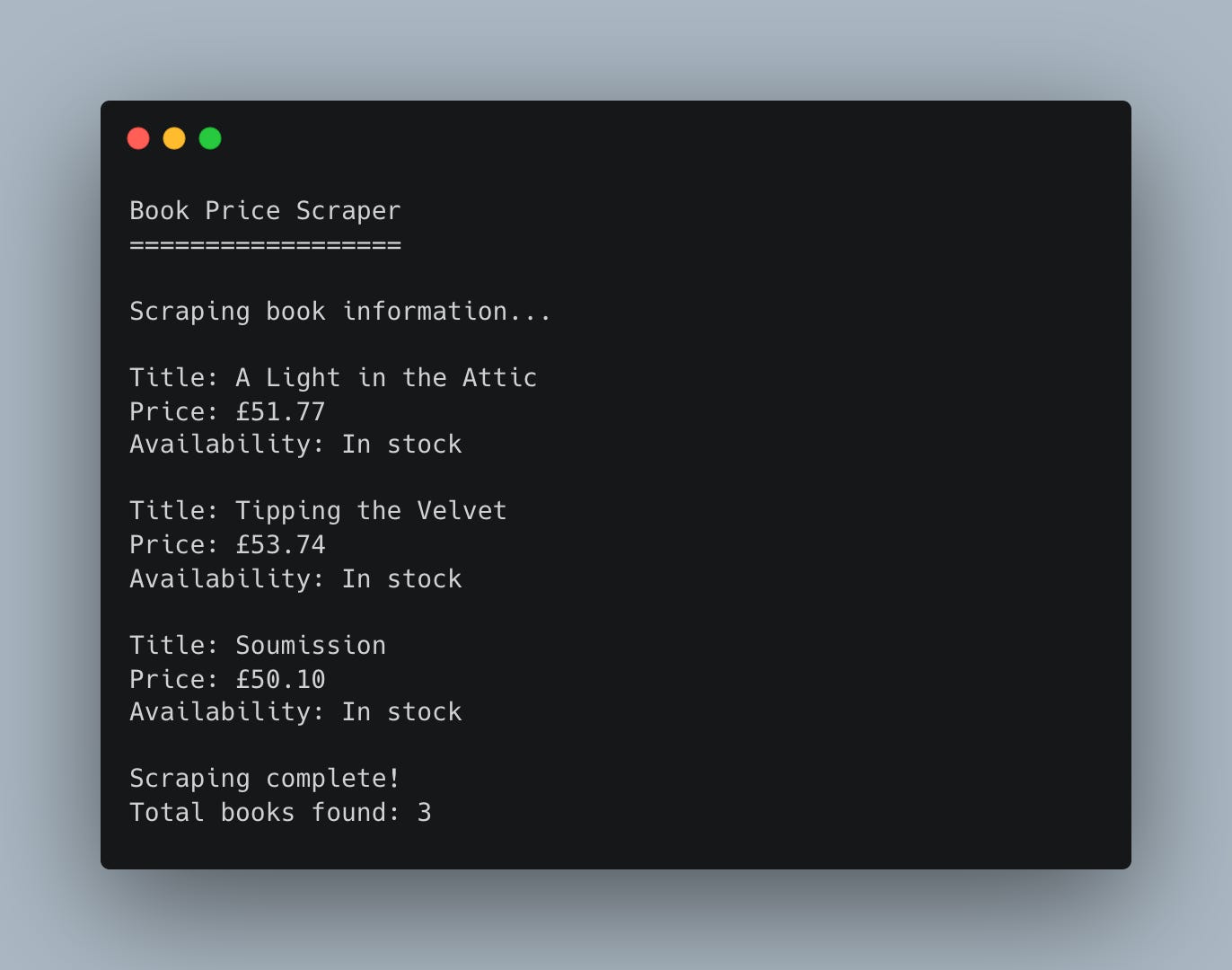
Coming Tomorrow
Tomorrow we’ll expand this to scrape multiple products and save the data to a CSV file so we can track prices over time. You’ll see how easy it is to turn this single-item scraper into a full product tracker!
Skeleton and Solution
Below you will find both a downloadable skeleton.py file to help you code the project with comment guides and the downloadable solution.py file containing the correct solution.
Get the code skeleton here:
Get the code solution here:
Hi All,
I have implemented the basic web scrapper.
Please let me know if there are any suggestions.
#################################
import requests
from bs4 import BeautifulSoup
url = "https://books.toscrape.com"
response = requests.get(url, timeout=5)
print(response.status_code)
page_content = response.content
soup = BeautifulSoup(page_content, "html.parser")
all_products=soup.find_all("article", class_="product_pod")
for product in all_products[0:3]:
title=product.find("h3").find("a")["title"]
print(f"Title: {title}")
price=product.find("p", class_="price_color").get_text()
print(f"Price: {price}")
availability=product.find("p", class_="instock availability").get_text(strip=True)
print(f"Stock: {availability}\n")
#################################
Thanks