

Build an Automated File Organizer
Level: Real World

It’s holidays season, so it’s a good time to use your programming skills to organize some stuff that has been rotting around. Your task for today is to create a file organizer that automatically sorts files in your Downloads folder into categorized subfolders based on file type — a practical automation tool that keeps your computer organized without manual effort.
Project Task
Create an automated file organizer that:
Scans a specified folder (like Downloads) for files
Categorizes files by extension (Images, Documents, Videos, Music, etc.)
Creates category folders automatically if they don’t exist
Moves files to their appropriate category folders
Handles duplicate filenames by adding numbers
Displays a summary of how many files were organized
Can be run manually or scheduled to run automatically
Works with common file types (jpg, png, pdf, mp4, mp3, etc.)
This project gives you hands-on practice with file operations, automation, directory management, and building utilities that save time — essential skills for creating practical tools that improve productivity.
Expected Output
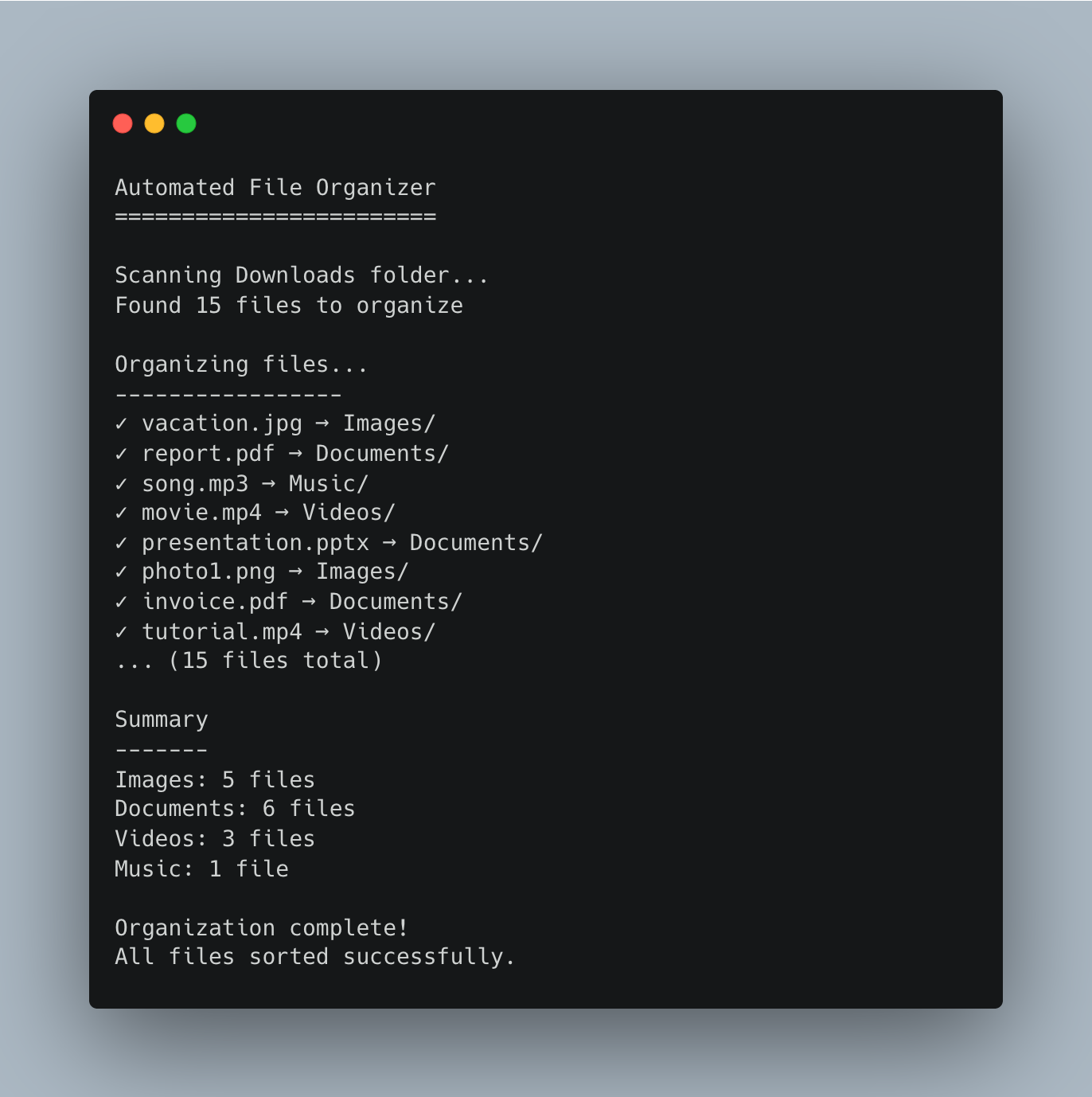
Join the Python & AI Builders Skool Community
Got questions to ask the author about this project? Join our Python & AI Builders community for weekly Python & AI videos and discussions:
https://skool.com/automateit
Skeleton and Solution
Below you will find both a downloadable skeleton.py file to help you code the project with comment guides and the downloadable solution.py file containing the correct solution.
Get the code skeleton here:
Keep reading with a 7-day free trial
Subscribe to Daily Python Projects to keep reading this post and get 7 days of free access to the full post archives.