

Build an Image Watermarking Tool with Python
Level: Beginner

Your task for today is to create a command-line tool that adds a logo watermark to any image, perfect for protecting your photos or branding your content. For this project, the program we will build works on a single image, but it can be easily expanded to process multiple images in one go.
Project Task
Create an image watermarking tool that:
Uses the Pillow (PIL) library to work with images
Takes a main image and a logo/watermark image as input
Positions the watermark in the bottom-right corner of the image
Adjusts the watermark transparency for a professional look
Saves the watermarked image with a new filename
Works from the command line with simple file paths
Handles PNG logos with transparency support
This project gives you hands-on practice with image processing, file handling, and working with the Pillow library — essential skills for building media manipulation tools.
Expected Output
The program reads two files, a main image.png file:

And a logo.png file:

The user provides the two image filepaths through the command line:
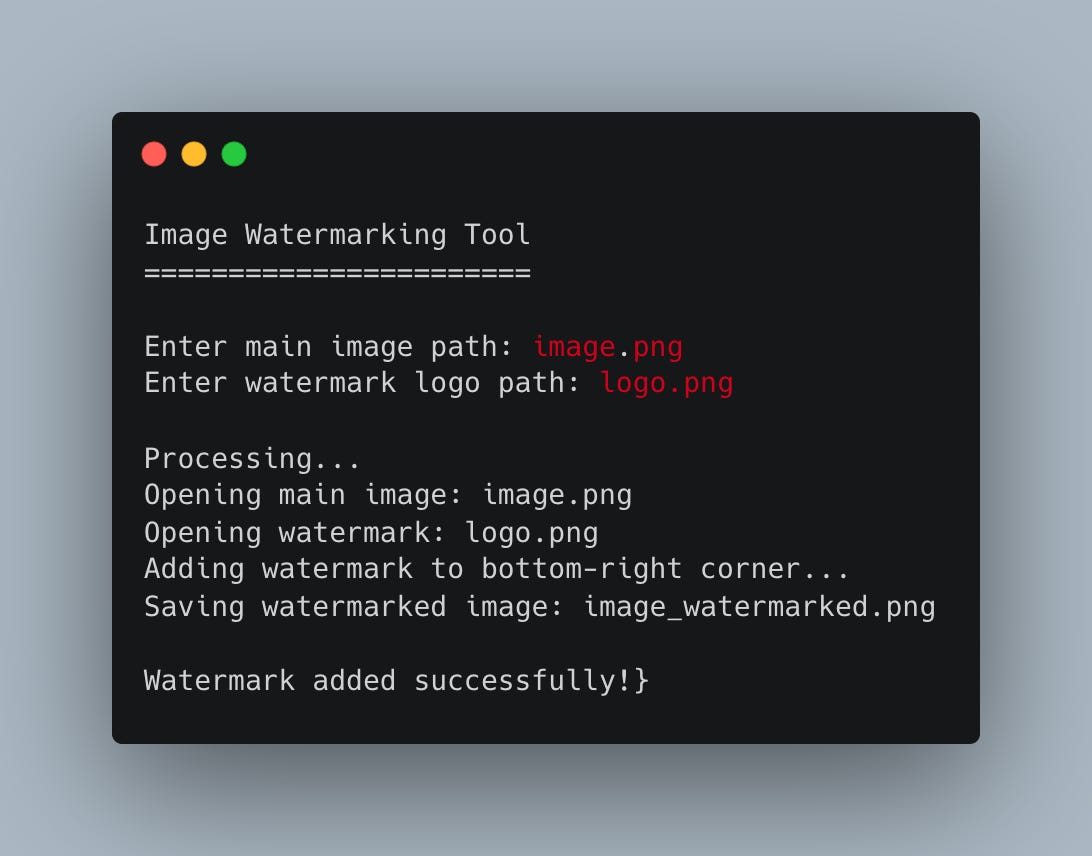
And here is the final result -the main image with the logo in the lower right corner:

While this can be done with other tools, the power of Python allows you to generate thousands of watermarked images in a couple of seconds.
Join the Python & AI Builders Skool Community
Got questions to ask the author about this project? Join our Python & AI Builders community for weekly Python & AI videos and discussions:
https://skool.com/automateit
Skeleton and Solution
Below you will find both a downloadable skeleton.py file to help you code the project with comment guides and the downloadable solution.py file containing the correct solution.
Get the code skeleton here:
Keep reading with a 7-day free trial
Subscribe to Daily Python Projects to keep reading this post and get 7 days of free access to the full post archives.