

Count Word and Modify Filename Python Challenge
Level: Beginner

Your task for today is to build a simple command-line tool that reads the content of a text file, counts the number of words inside it, and then renames the file by appending the word count to its filename. This introduces you to working with files, string manipulation, and Python’s os module for renaming files.
📝 Project Task
The program should:
Ask the user for the name/path of a
.txtfileOpen and read the file content
Count how many words are inside (words are separated by whitespace)
Rename the file by appending the word count before the extension
Example:
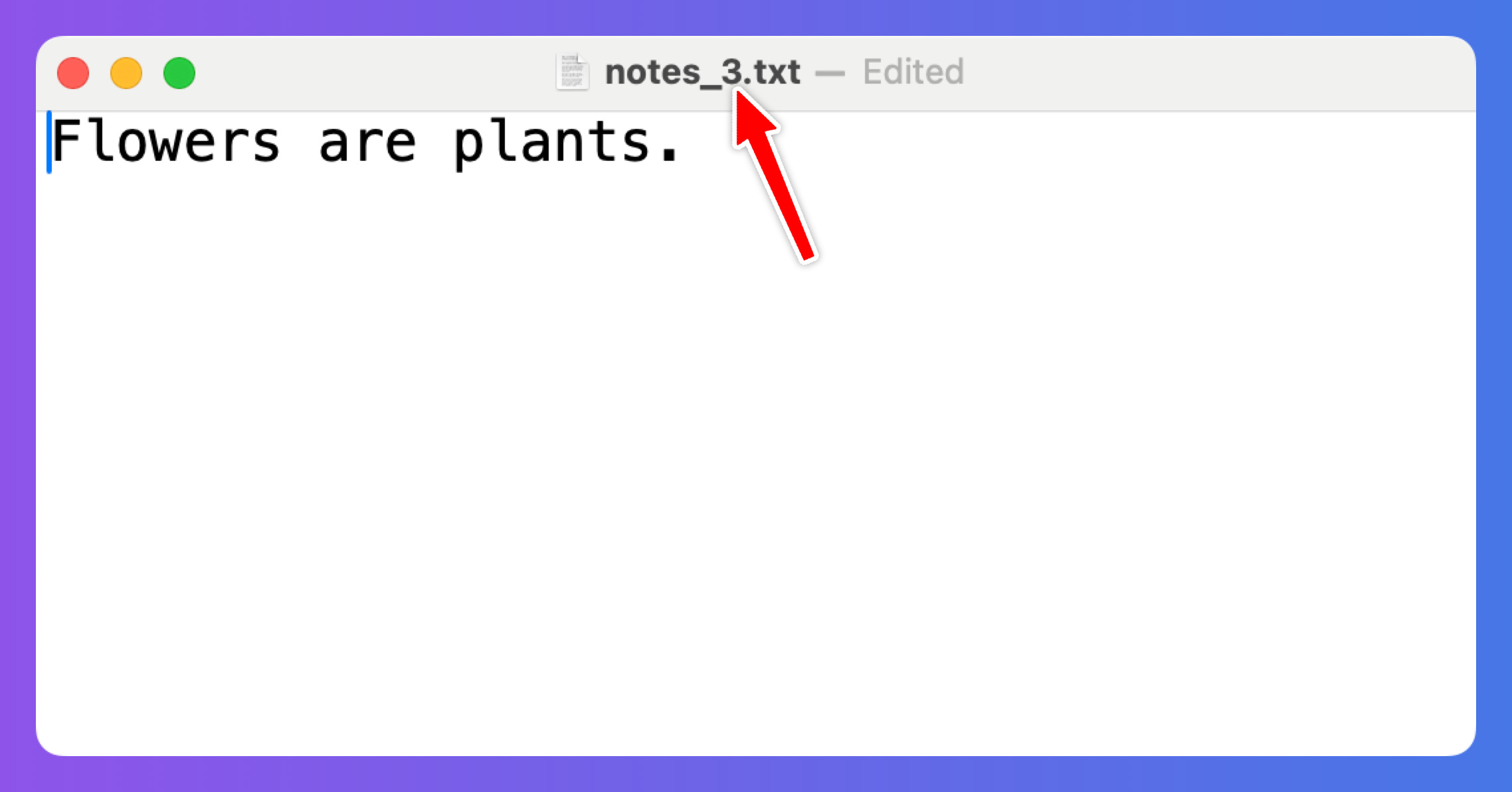
notes.txt→notes_123.txtif the file has 123 words
Bonus (optional):
Handle errors (e.g., file not found)
Print the original filename and the new filename
Allow multiple files in one run
This project helps you practice file I/O, string handling, and using the os module — essential skills for text processing and automation tasks.
📌 Expected Output
The program should modify the filename by adding an underscore and a number. The number should reflect the number of words in the text file.
💻 Launch This Project in Colab
Open the interactive Google Colab notebook for today’s project — with full instructions, hints, and solutions.
Click the button below to start coding — no setup needed:
Keep reading with a 7-day free trial
Subscribe to Daily Python Projects to keep reading this post and get 7 days of free access to the full post archives.