

How to Create Apps with AI and Vibe Coding the Right/Safe Way

Some bad news first
Let’s get rid of the bad news first.
You need to learn the programming fundamentals first, have an understanding of how an app is built, and understand all the components that go into an app (code syntax, database, production server, terminal, git, backend, frontend).
Then, you can use AI to build wonderful things.
Now the good news (and the guide)
The good news is once you have learned the things I mentioned above, you will be able to use AI as a tool - a tool that makes you 100x faster in coding and shipping apps.
The Two Types of AI Coding Tools
When it comes to writing code and building apps we encounter two categories of tools:
Visual builders like Lovable generate complete applications from descriptions. They’re fast for prototypes but limited when you need anything custom or complex.
AI-assisted development tools like Cursor and Claude Code work in real development environments where you write actual code with AI help. This is where serious development happens.
In my experience with working both with Cursor and Claude Code, I can say Claude Code is currently the best in this category. It thinks architecturally—navigating multiple files, refactoring structures, and making changes that maintain consistency across your project. It’s the difference between an assistant that hands you tools and one that understands the entire blueprint.
Cursor is also great, and it’s slightly faster. However, Claude Code is more accurate at the end of the day so you tend to be faster with it since you experience less bugs.
Plan Mode: The One Thing That Changes Everything
This is where most people fail when using AI. They immediately start generating code. They paste “build me a workout tracker” and get 500 lines of code they don’t understand.
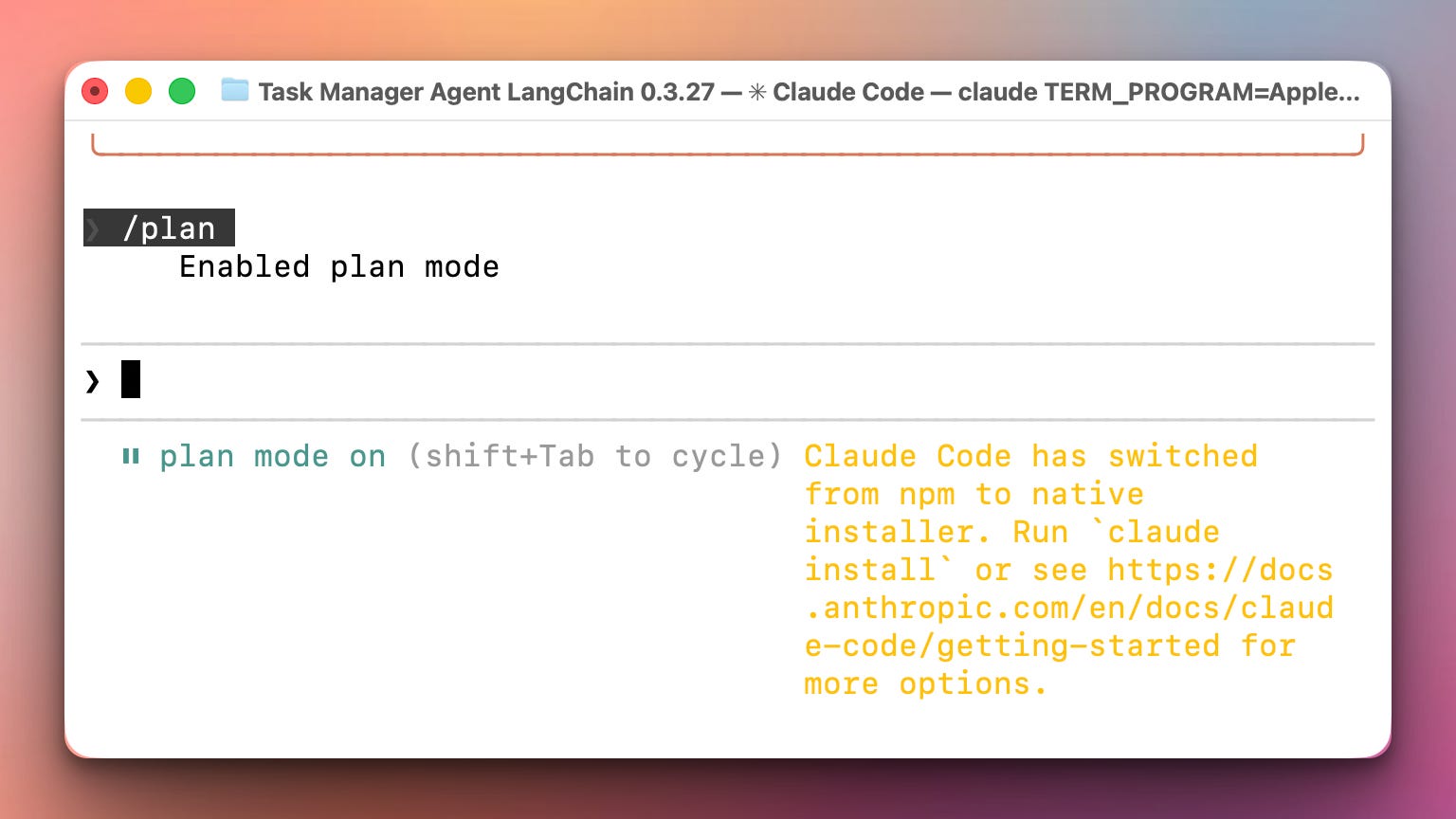
You need to plan first. And tools like Claude Code have a “Plan” mode. You just need to go to Claude Code and type /plan:
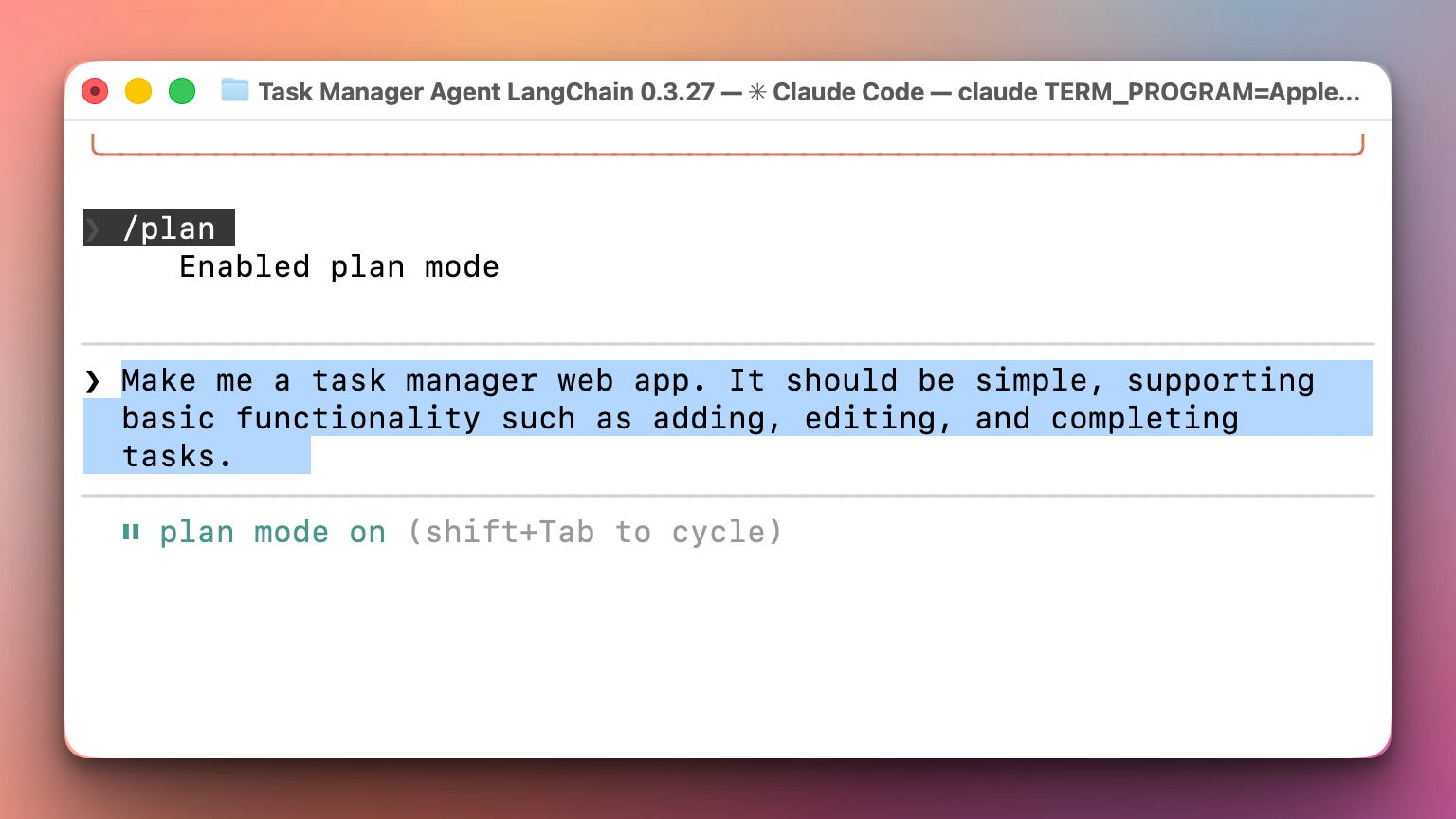
Start with a MVP (Minimal Viable Product). Don’t explain everything at once. Go step by step. Here is a simple query to start with building a task manager app:
Plan Mode does what experienced developers do—it thinks before coding. It will:
Suggest frameworks with actual reasoning. “For this workout tracker, use Flask instead of Django. Flask gives you what you need without the overhead. Django makes sense later if you’re scaling to thousands of users, but you’re not there yet.”
Map out architecture before writing code. Database schema, API structure, folder organization—all planned out before a single line is written.
Identify decisions you need to make. “SQLite for simplicity or PostgreSQL for production? JWT tokens or session-based authentication?”
In Claude Code planning mode, for example, you will be asked to make a decision on those points through the Claude Code command line interface:
This is how real software gets built. Not by immediately coding, but by planning architecture. Plan Mode gives you this professional workflow even if you’ve never done it before.
The Technical Decisions That Actually Matter
When AI starts suggesting options, here’s what you need to understand:
Framework choices shape your entire project. Flask vs Django for Python web apps isn’t just preference—Flask gives you lightweight flexibility for small to medium projects, while Django comes with batteries included (authentication, admin panel, ORM) but adds complexity you might not need. When AI suggests a framework, ask why it chose that one for your specific app. The decision affects everything from project structure to how easy it is to add features later.
Database decisions have long-term consequences. SQLite works great for learning and small apps—it’s just a file, no setup required. PostgreSQL is what you use for production apps with real users. Generally, we use SQLite in the local version of the app and PostgreSQL on the production server. But here’s what matters: how you structure your data. Ask AI to explain the database schema it’s proposing. Why those tables? Why those relationships? Understanding this now prevents painful migrations later.
Authentication and security can’t be an afterthought. When AI generates authentication code, understand what it’s doing. Are you using session-based auth or JWT tokens? Where are passwords being stored and how are they hashed? These decisions affect both security and user experience. Don’t just copy auth code—ask AI to explain why it chose that approach.
The key is this: every architectural decision AI makes should be one you understand and agree with, not just accept because the code runs.
I once told the AI to build me a Python shell that runs on the browser and lets users to run Python code from their browser. It built it, but it was running users’ code on the server where the app itself was running. That’s a catastrophic security issue. One bad actor could easily run some Python code that would delete the entire server or steal sensitive data. Security is crucial.
What This Actually Achieves
The goal isn’t to avoid AI or code everything manually forever. The goal is to use AI as a force multiplier while maintaining enough understanding to:
Spot when AI generates code that’s wrong or inefficient
Ask the right follow-up questions
Make architectural decisions confidently
Debug problems when they inevitably occur
You’re learning to be the architect who directs AI, not the person who copies code they don’t understand and hopes it works.
On Daily Python Projects, I teach students to build real applications through progressive weekly series—starting with an MVP on Monday, adding features Tuesday, refactoring Wednesday, implementing production features Thursday. This mirrors how actual software development works: iterative improvement, not perfect code on the first try.
The same principle applies when using AI. You’re not generating perfect apps in one shot. You’re building iteratively with AI as your tool, guided by your understanding of what you’re actually creating.
Start with Plan Mode. Build with intention. Ask questions. And type enough code manually that the concepts actually stick.
That’s how you go from “vibe coding” to building things that work.
Thanks for the article!
Loving it