

Python App to Upload and Read Files in Gradio

Your task for today is to build a simple web app with Gradio that lets users upload a .txt file and view its contents instantly in the browser. Here is a live demo of the app (link expires in one week).
This project teaches you how to accept file input from users, read basic text data, and display output — all in a user-friendly web interface.
📝 Project Task
The program should:
Use the
gradiolibrary to create a file upload interface.Let the user upload a
.txtfile.Read the content of the text file.
Display the content directly in the browser.
This is a beginner-friendly way to build interactive file tools and learn how to connect backend logic with user inputs.
📌 Expected Output
When you launch the app, you should see:
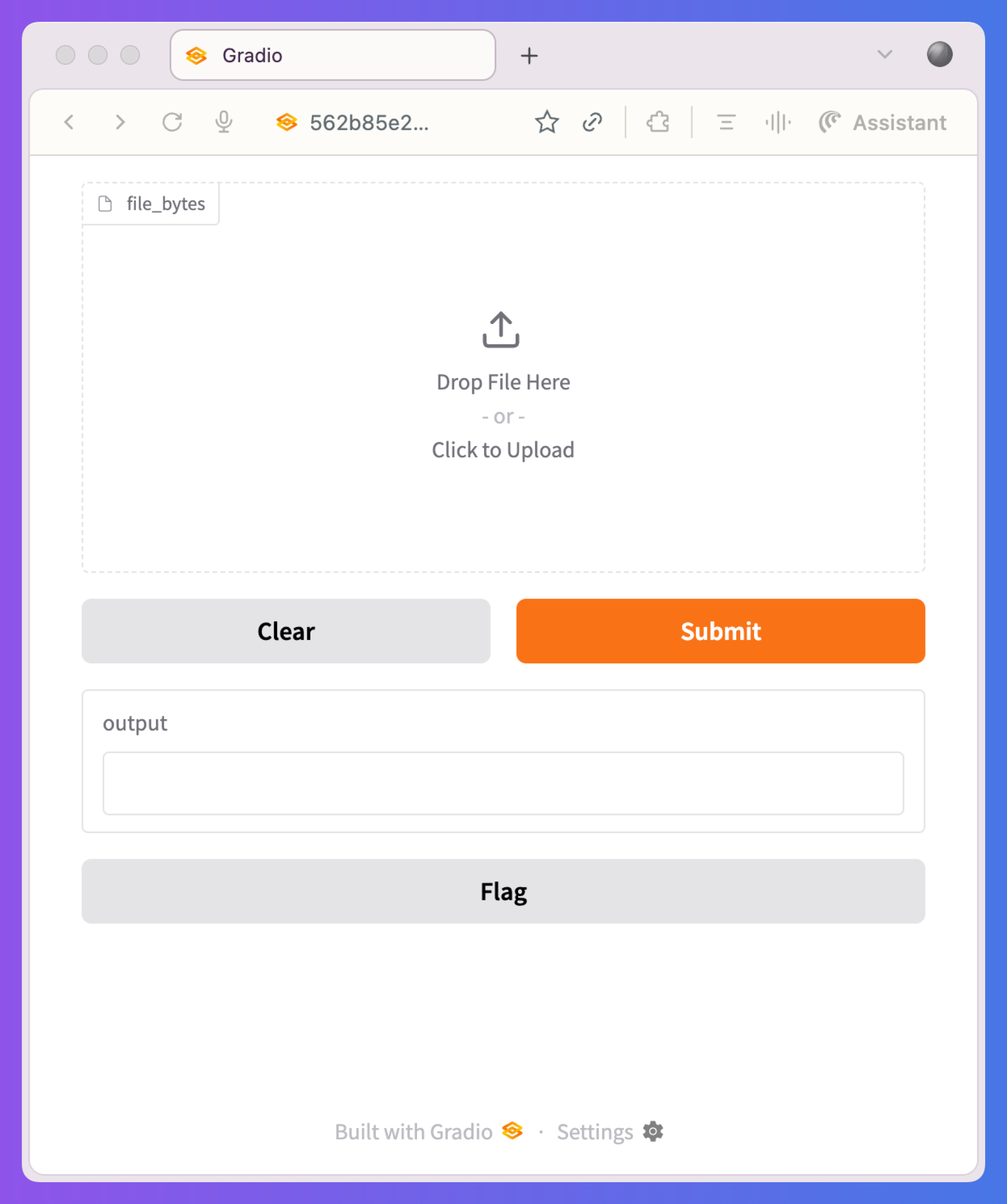
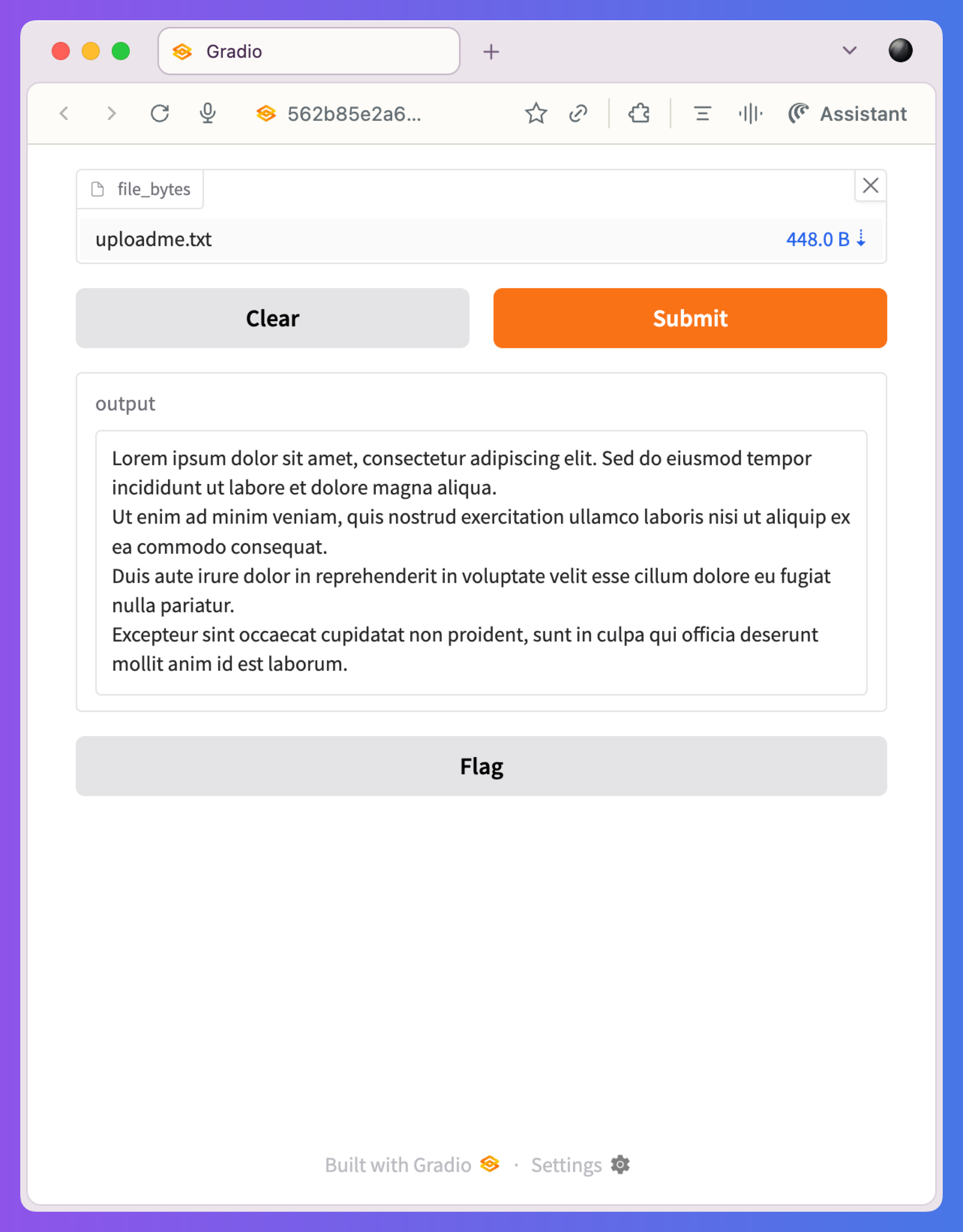
Once the user uploads a text file, the app displays the uploaded text file content:
💬 Join the Weekly Python Chat
Need help or want to share what you built? Join this week’s Python Chat Thread to:
Ask questions
Share your solution
Get feedback
Find study partners
💻 Launch This Project in Colab
Open the interactive Google Colab notebook for today’s project — with full instructions, hints, and solutions. This Gradio app can also run on Colab notebooks.
Click the button below to start coding — no setup needed:
Keep reading with a 7-day free trial
Subscribe to Daily Python Projects to keep reading this post and get 7 days of free access to the full post archives.